App Overview
1win’s mobile app is a breath of fresh air for those tired of trudging down to the local betting shop – it brings high-tech convenience to your fingertips, packing over 9,000 casino games into the massive sportsbook experience. This is one of the largest collections in Kenya by a long shot, and its dark, sleek interface will set it apart. right from the get-go.
How to use the 1win app
Unlike clunky, badly-designed apps that are a nightmare to navigate, 1win uses a slick, bottom-navigational layout that lets you switch between Sports, Live Games, and the Casino in a jiffy with just one swipe of your thumb. It’s noticeably snappier than the mobile browser version, and thanks to its Kenyan focus, you’ll see essential features such as support for the Kenyan Shilling (KES) as a primary currency, as well as direct integration with M-Pesa and Airtel Money.
The app has a raft of premium features that really make betting fun, like live streaming of football and eSports matches right within the app. Plus, it lets you make instant M-Pesa deposits starting from just KES 100 and gives you access to popular crash games like Aviator and 1win Jet. You’ll even get push notifications to keep you up to speed on your bets and any upcoming matches in real-time.
Licensing
1win has been going strong since 2016, initially launching under the name FirstBet before the big rebrand to 1win in 2018. The brand is owned and run by MFI Investments Limited, a Cyprus-based company with a solid track record. Although 1win originally focused on Eastern Europe, it’s since expanded into Africa and Asia, and in Kenya specifically, it operates under an International Curacao eGaming License (No. 8048/JAZ2018-040). What’s worth noting is that 1win doesn’t have a local license from the Betting Control and Licensing Board (BCLB) of Kenya, so while you can still use local payment methods like M-Pesa to register, deposit, and withdraw, you won’t escape the standard 20% local tax on winnings that BCLB-licensed sites normally take care of for you.
Pros
- The app is noticeably faster and smoother than the browser version, especially when it comes to live betting – load times are quick and the app responds like a dream.
- Push notifications keep you in the loop – no need to open the app to stay up to date with results, promotions and changes.
- Offers an incredible range of sports markets (football, cricket, tennis, eSports and more) and different bet types.
- The Casino section is huge, packing slots, table games, live dealers and crash games – it’s basically a one-stop shop for both sportsbook and casino players.
Cons
- The big drawback is that the app isn’t available in the official app stores due to gambling restrictions, so you’ll need to manually download and install the APK.
App-Only Bonuses
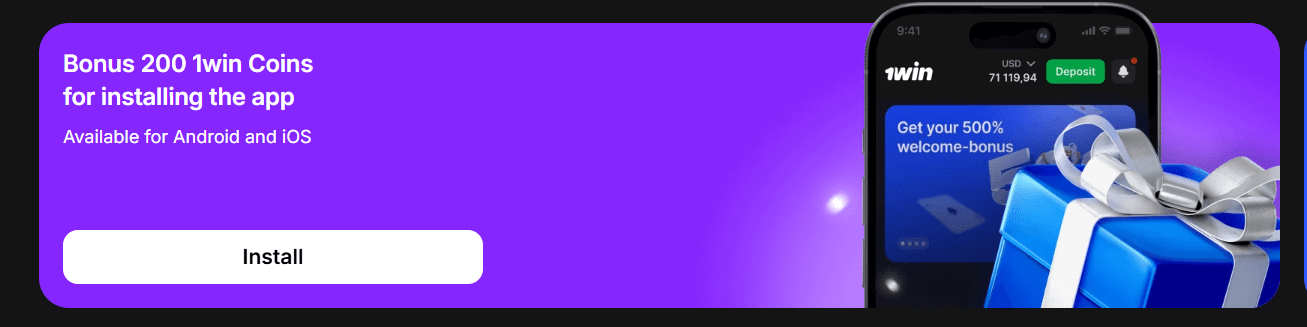
1win is fairly generous when it comes to mobile app bonuses – first off, the app gives you a neat 200 1win Coins the moment you install it, which is a serious head start with the internal currency system. And it just keeps getting better – get 100 coins for verifying your phone number and email, and another 100 for enabling push notifications – all for free.
Getting Started on the 1win App
Getting going on the 1win app is all about speed. No one wants to be stuck filling out forms when there’s a game they actually want to get involved in. You’ve got two ways to get going:
- The Quick Route: This is the fastest way. All you need to do is select your currency (that’s KES for us here in Kenya), enter your phone number and email, and sort out a password.\
- Linking up a Social Media Account: You can link your Google or Telegram account and skip the whole manual entry thing altogether.
How to deposit and withdraw money in 1win app
The good news is that 1win has been built with the Kenyan market in mind, so getting money in and out is a breeze. They’ve chosen to support Kenyan Shillings (KES) which means you won’t have to mess around with complicated currency conversions.
- M-Pesa & Airtel Money: These are the big boys. You can deposit money directly from the app – and most deposits start from just KES 100, so even if you just want to make a small bet, it’s a pretty accessible option.
- Other Options: If you prefer to use a different method, the app also allows you to transfer cash using credit cards (Visa/Mastercard), various e-wallets, or even a load of different cryptocurrencies like Bitcoin and Tether (USDT).
Withdrawals pretty much work the same way – just back through M-Pesa and Airtel Money.
How to download 1win app
1win App on Android
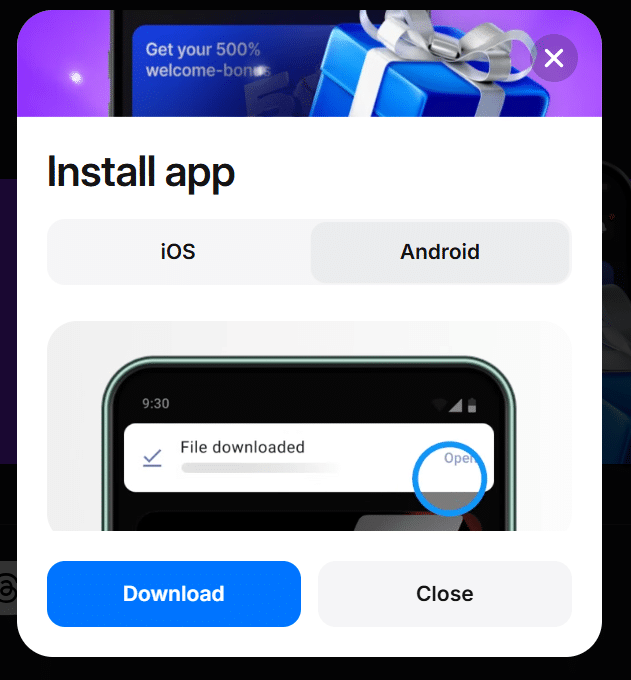
If you’re using an Android phone, you won’t find 1win on the Google Play Store because they have some pretty strict rules about gambling apps. So, you’ll need to get the APK file directly from the source. Here’s how:
- Head to the Website: Open your mobile browser of choice and have a look at the official 1win website.
- Find the Download Link: Go to the bottom of the homepage – you can probably find it in the top menu too if you look hard enough. The link is probably marked with an Android icon.
- Download the APK: Click the button and the file should start downloading. You might get a warning pop up saying the file “may be harmful” – just ignore it – that’s just the usual Android warning for any app you’ve downloaded outside of the Play Store.
- Allow Unknown Apps: Before you can open the app, you’ll need to go to your phone’s settings and enable the “Install apps from unknown sources” option.
- Install & Run: Open up your downloads folder, tap the 1win APK file, and it should install in no time.
1win App on iOS
If you’re using an iPhone or iPad, things work a bit differently. Instead of the usual app download from the App Store, 1win uses a Progressive Web App (PWA). This is actually a bit of a win, because it doesn’t eat up any space on your phone and it automatically updates itself.
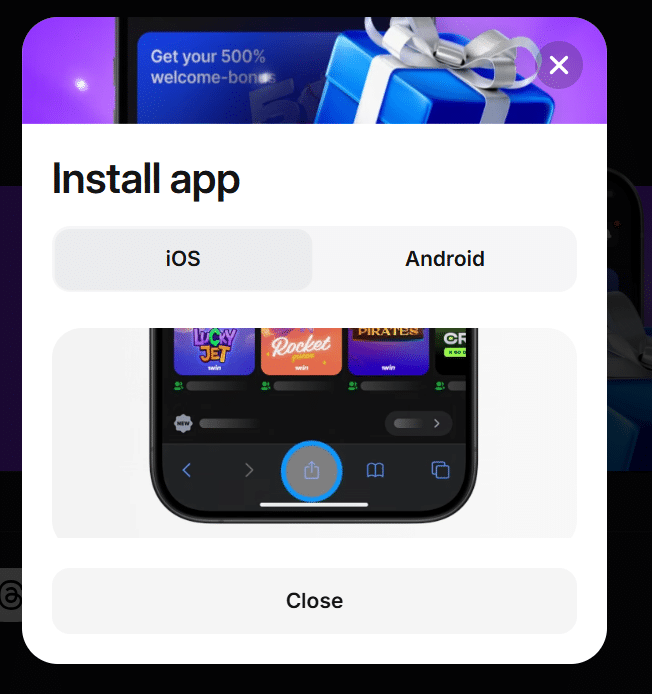
Installing 1win on iOS – the Easy Way:
- Get out Safari: You only need to do this in Safari – no Chrome or Opera nonsense.
- Get to 1win: Head on over to the 1win mobile site – don’t bother trying to use some other browser.
- The Share Button – tap it: Down at the bottom of the screen you should see a square with an arrow poking out the top – that’s the “Share” icon, give it a tap.
- Add to Home Screen: Scroll down through the list of options popping up & you should find “Add to Home Screen” just tap it.
- Confirm it’s all good: Give it a name (1win’s fine) and hit “Add” & you’re done.
Now you should see the 1win icon right alongside all your other apps on your home screen & when you tap it, you get the full 1win experience with no browser clutter getting in the way.
How to download 1win app in iphone?
- Fire up Safari, head to the 1win website 2. Tap that “Share” button (square with an arrow coming out) 3. Choose “Add to Home Screen” 4. Tap “Add” to wrap things up.
I’m Kanyi Muturi and am from Tabuga, a small village in Nakuru. I have been following all sports since I was a kid and have been interested in the gambling side of sports since I was in high school. It took me a little while to get a grasp on all of the different gambling terminology and understand how confusing and complicated it can all seem when you first start.
Are you a professional gambler?
I am a successful gambler. But make no mistake about it: I’m a long-time recreational sports bettor. I’m not a professional gambler. I’m not claiming to be a professional gambler. I’ve never, to my recollection, even been acquainted with a professional gambler. And far be it from me to make the preposterous claim that following my advice will turn you into a professional gambler. It ain’t about that. Not here it ain’t. I just want to teach you a new form of recreation, a fun new pastime in what can sometimes be an unfun life.