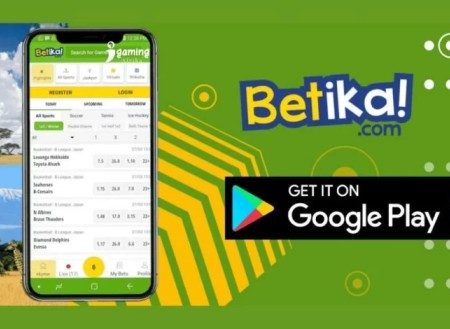
Betika is a familiar name to most Kenyans – largely because it’s been able to tap into the local market in a way that few other sports betting platforms have managed to do.
Betika is one of the biggest and most popular sports betting platforms in Kenya. Founded back in 2016, it’s grown from a small startup into a major operation right across Africa – operating in places like Tanzania, Ethiopia, D.R.C, Ghana, Nigeria and Zambia. In Kenya, it’s run by Shop and Deliver Limited and is fully licensed by the Betting Control and Licensing Board (BCLB). You don’t even need a smartphone or a reliable internet connection to use it. You can place a bet, put money in your account and withdraw cash using just your phone. Try texting *644# to give it a go.
Through their “Betika Na Community” initiative, they’re a key sponsor of lots of local sports – including the Kenya Premier League and various grassroots football tournaments.
Registering on Betika
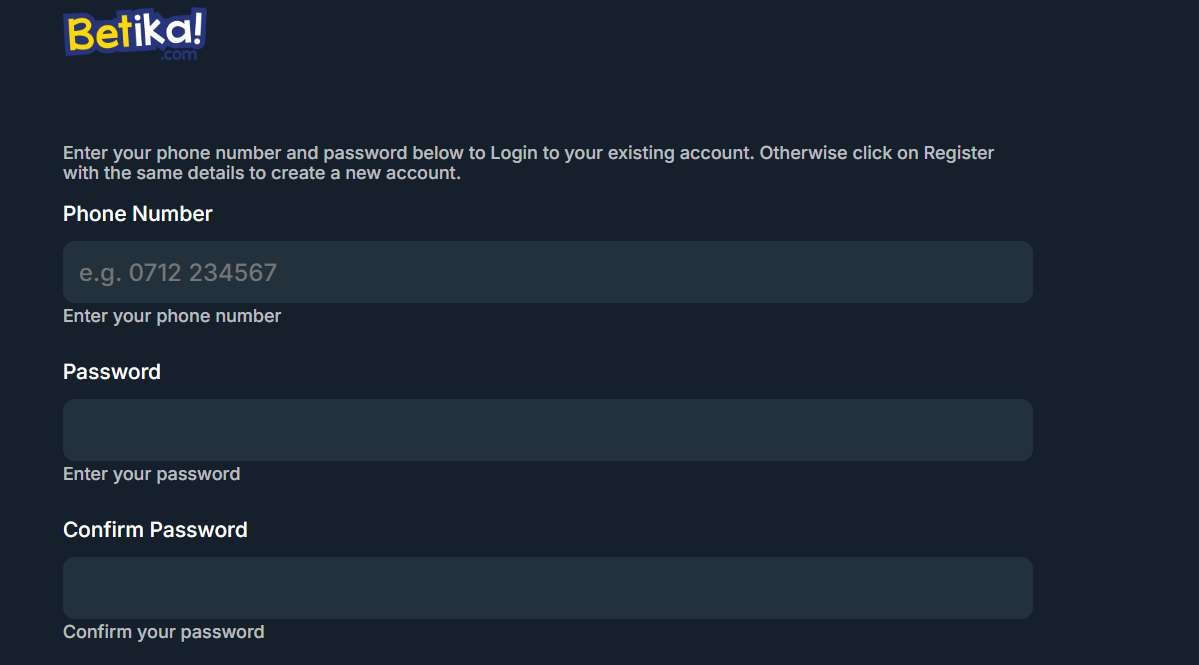
Registration’s designed to be super quick – acknowledging that a lot of Kenyan punters just prefer using their mobiles. There are two main routes to join: either via their website or app, or through a text message.
Registration on Website/App
If you end up on the Betika homepage, look up in the top right corner and you’ll spot the big bright yellow “Register” button – that’s your starting point.
- Pop in your details: You’ll be asked for your phone number (the +254 prefix usually gets filled in for you) and to come up with a secure password to your liking.
- Agree to T&Cs: Just tick the box to confirm you’re over 18 and have read the terms and conditions.
- Get verified: You’ll get a 4-digit verification code (OTP) sent to your phone via SMS – just enter that code on the site and you’re done.
- You’re good to go: Once you’ve been verified, your account is active and you can start checking out the sportsbook or their “Combi” markets.
Registration via SMS
If you don’t have a stable internet connection, don’t worry – you can still register:
- Just text the word “BETIKA” to 29090.
- You’ll get a welcome message back and your login details will be sent to you.
Betika login Kenya
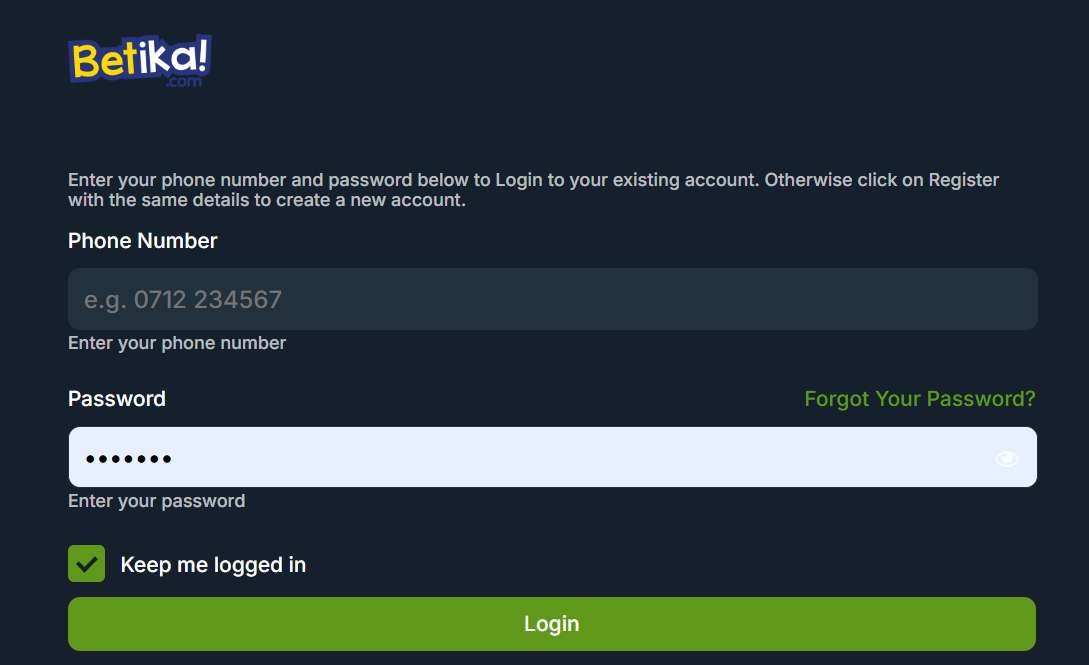
Getting back to the action shouldn’t take long at all.
- Click login: Hit the “Login” button at the top right corner.
- Type in your details: Just type in the phone number and password you used when you signed up.
- If you’re on the app, you might be able to set up biometric login – so you don’t have to keep typing in your password every time.
Forgot your password you say? No worries at all – click “Forgot Password” and just enter your phone number and you’ll get a reset code sent to you right away.
How to Deposit on Betika
Depositing on Betika is a pretty straightforward affair. Thanks to its deep integration with Kenyan mobile money, it should just about be instantaneous.
Via M-Pesa (Safaricom)
- Head to the M-Pesa Menu or – if you’re feeling fancy – fire up the M-Pesa App.
- Now, within the M-Pesa menu choose Lipa na M-Pesa and then tap on Paybill.
- Now enter a Business Number: 290290. Easy peasy.
- You’re then going to enter an Account Number: just type in BETIKA.
- Next, decide how much you want to deposit in – and then just follow through with your PIN.
- The cash will get shunted into your Betika wallet in no time flat.
Via Airtel Money
- So you’re after using Airtel Money – have a butcher’s at the Airtel Money menu.
- Next, select Make Payments, then slap on Paybill.
- Now choose Other – then enter Business Name : 290290.
- Amount is your preferred deposit figure.
- Reference: BETIKA.
- Just stick in your PIN.
How to Withdraw Money from Betika
The best part of betting is probably winning – but getting the cash out is pretty painless too.
- The process itself is pretty simply: Head to the “Profile” section and then select “Withdraw.” Now enter the amount you’d like to take out.
- There are some limits to bear in mind : the minimum withdrawal amount is KSh 50, and then there’s the daily limit which follows on from mobile money regulations (In general, that’s up to KSh 300,000 per day).
- there may be some charges to think about too : mobile money providers (Safaricom/Airtel) may apply standard transaction fees depending on the amount you withdraw.
- You can also withdraw via SMS by sending “WITHDRAW#AMOUNT” to 29090 – job done.
Deposit Bonus
The “1st Deposit Ya Leo” Bonus is the core of Betika’s welcome strategy. While other sites give you “free money” that’s as useful as a chocolate teapot, Betika’s all about making your entry into the platform cost-free.
Because almost every Kenyan punter uses M-Pesa to transact, and there’s a cut for Safaricom (transaction fees), Betika just refunds those charges straight into your Bonus Wallet. It’s their way of saying, “If you send us KSh 100, we want you to play with the full KSh 100.”
How the Refund Works
- If you deposit KSh 49, then you get back KSh 3 Bonus.
- For KSh 50 up to KSh 98, you get yourself KSh 5 Bonus.
- If you deposit KSh 99, then you get KSh 8 Bonus – which is the best value deal. You can do this twice a day if you like.
- If you deposit in KSh 100 or more, then you get a flat KSh 5 Bonus.
FAQ
How do I login to my Betika account?
To get logged into your Betika account, just follow these two super easy steps:
- Head to the Site or App: Go on over to www.betika.com or fire up the Betika App
- Click that “Login” button – top right corner, can’t miss it – then just enter your registered phone number and Password.
I’m Kanyi Muturi and am from Tabuga, a small village in Nakuru. I have been following all sports since I was a kid and have been interested in the gambling side of sports since I was in high school. It took me a little while to get a grasp on all of the different gambling terminology and understand how confusing and complicated it can all seem when you first start.
Are you a professional gambler?
I am a successful gambler. But make no mistake about it: I’m a long-time recreational sports bettor. I’m not a professional gambler. I’m not claiming to be a professional gambler. I’ve never, to my recollection, even been acquainted with a professional gambler. And far be it from me to make the preposterous claim that following my advice will turn you into a professional gambler. It ain’t about that. Not here it ain’t. I just want to teach you a new form of recreation, a fun new pastime in what can sometimes be an unfun life.